Connect through OLE DB
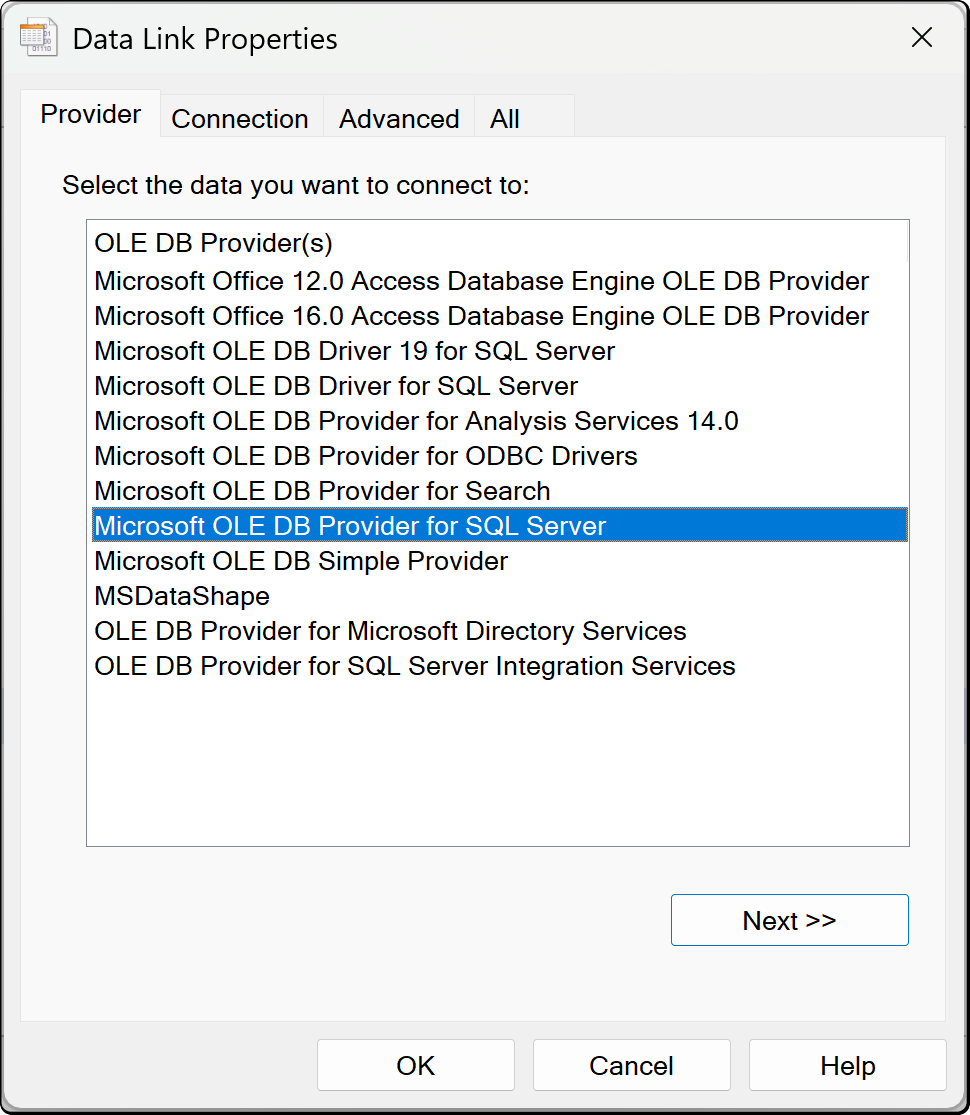
OLE DB is the other general-purpose route, and the one to use where a source offers an OLE DB provider but no usable ODBC driver.
Authenticators
As with ODBC, the provider decides how you sign in rather than Tabular Editor.
| Field | What it is |
|---|---|
| Provider | An OLE DB provider installed on this machine |
| Server | Whatever the provider expects to identify the source |
| User name and Password | Supplied to the provider where it needs them |
| Additional options | Extra connection string settings, passed through unchanged |
The provider list is read from the machine, so it shows what is installed rather than everything that exists. A provider missing from the list needs installing first, in the same architecture as Tabular Editor.
Tip
Prefer a dedicated dialog where one exists, and ODBC over OLE DB otherwise. Analysis Services supports a narrower range of OLE DB providers than Windows does, so a source that connects in the wizard can still fail to refresh on the server.
Where the credentials are stored
Credentials you enter here are saved per user and per model in the user options file (.tmuo) beside the model, encrypted so that only your Windows account can read them. They are not part of the model metadata, so they are not committed to source control and a colleague opening the same model supplies their own.
The generated M expression names the server and the object only. It never contains a password, a token or a key.