Connect to Power BI dataflows
Tabular Editor can import entities from a Power BI dataflow, so a model can reuse transformations that already exist in a workspace rather than repeating them.
Authenticators
Dataflows authenticate with Microsoft Entra ID, against the Power BI service.
| What you supply | When |
|---|---|
| An interactive Microsoft Entra ID sign-in | Normal interactive use |
| A service principal | Scheduled or unattended refresh |
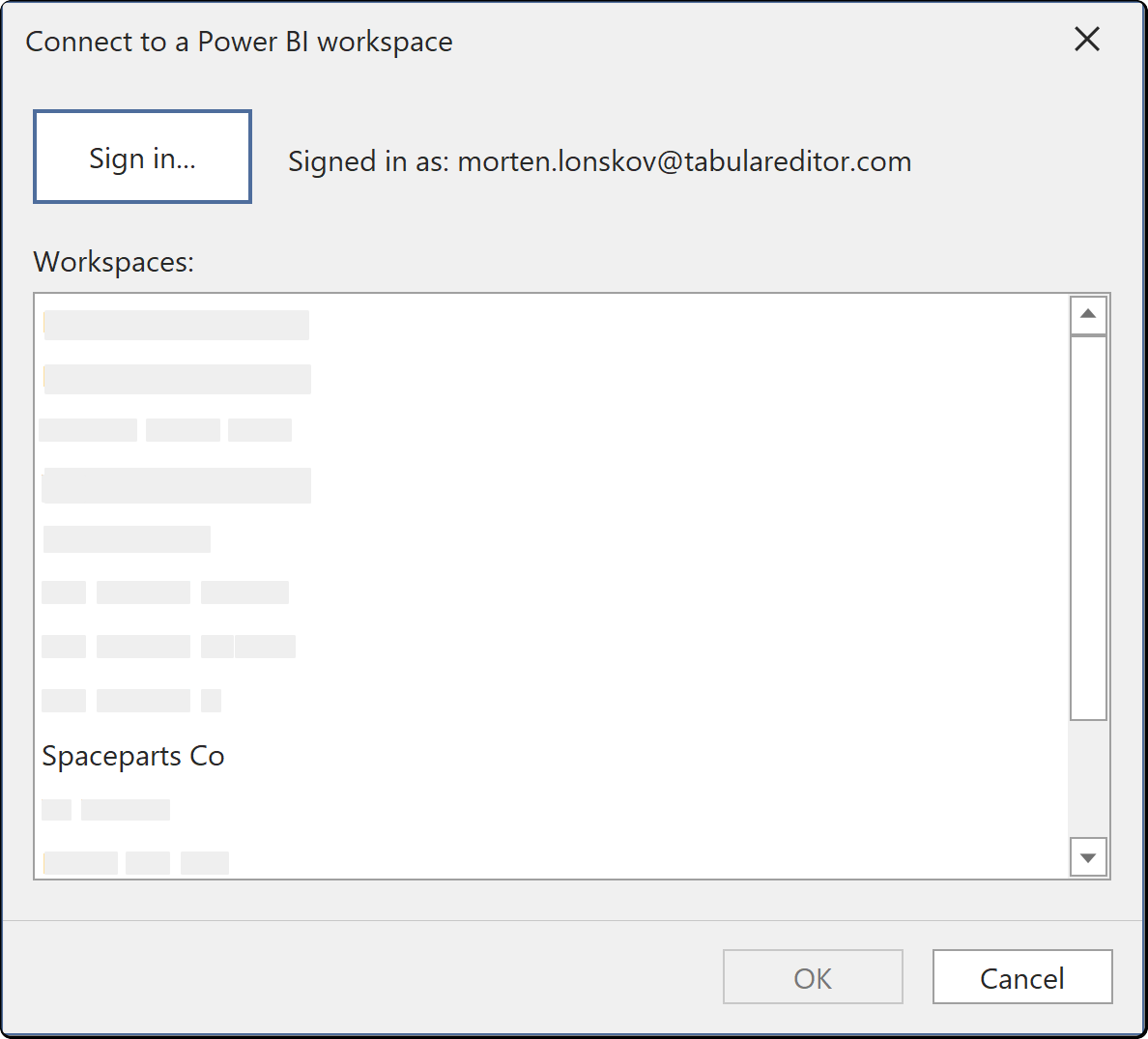
You see the workspaces your account is a member of. A dataflow in a workspace you have not been added to does not appear, and a workspace with no dataflows in it is listed empty rather than hidden.
Note
Service principal access to the Power BI REST API has to be enabled by a Power BI administrator in the tenant settings before a service principal can list workspaces at all. Until it is, a service principal signs in successfully and sees nothing.
Where the credentials are stored
Credentials you enter here are saved per user and per model in the user options file (.tmuo) beside the model, encrypted so that only your Windows account can read them. They are not part of the model metadata, so they are not committed to source control and a colleague opening the same model supplies their own.
The generated M expression names the server and the object only. It never contains a password, a token or a key.